GETTING STARTED
Set up your restaurant in ten minutes
From sign-up to your first online booking: restaurant details, tables, times and your booking link.
When you create your restaurant, a short tour walks you through the basics. You can skip it and change everything later in Settings, so there is no need to get it perfect the first time.
The steps
- Create your restaurant on tafels.app. Starter and Premium are free for 30 days, without a card. Afterwards you subscribe; without a subscription your account is locked, and everything is kept.
- Enter your name, address, phone and the email address guests can reply to.
- Choose when guests can come. This becomes your first ticket, “Reservation”. You can add more tickets later, such as Lunch or a Christmas menu.
- Set up your floor: pick a starting layout (small, medium or large) and rename or change tables any time under Settings → Tables & rules.
- Switch on the features you want. Everything you don’t use stays out of sight.
- Share your booking link, or put the booking button on your website.
Good to know
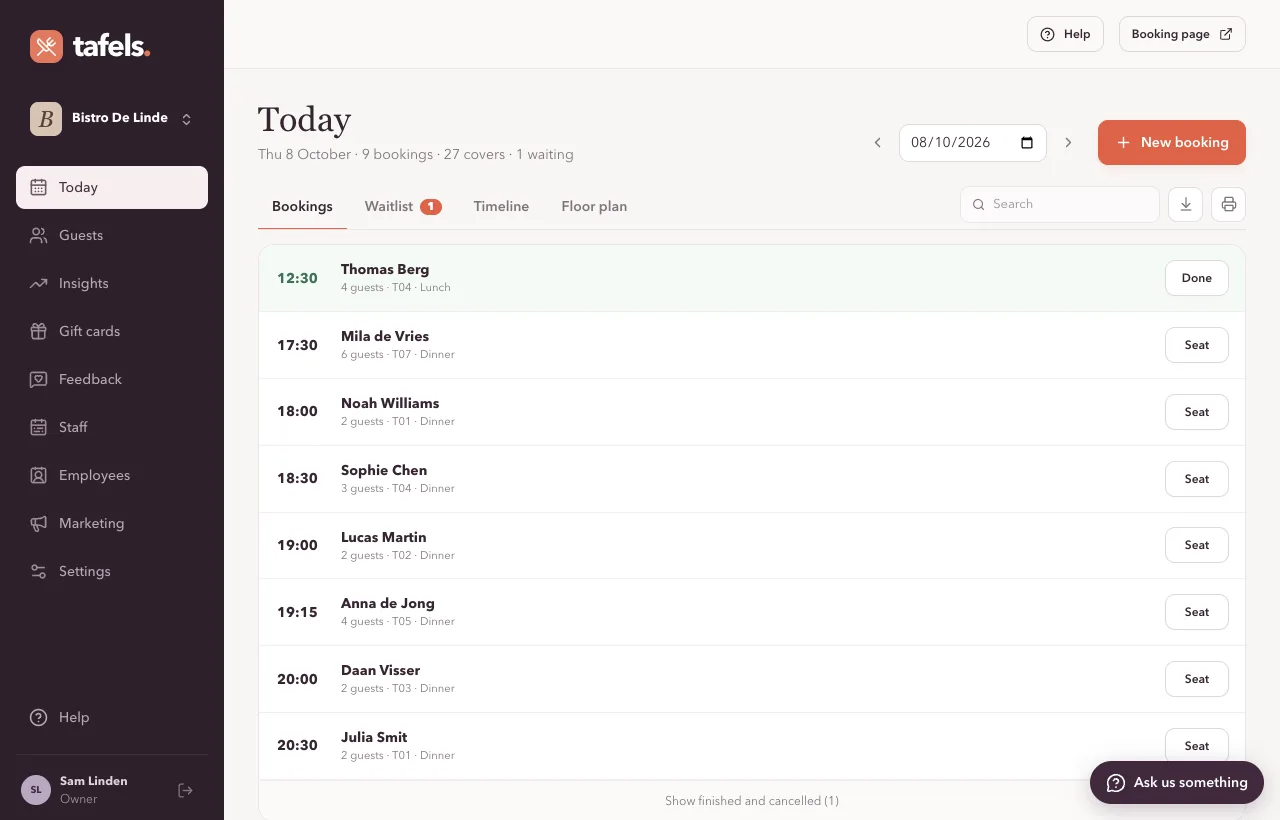
- Tables are assigned automatically, from the smallest table that fits. Two bookings can never share a table at the same time.
- Tafels works on a laptop, tablet and phone. Nothing to install.
- The tour ends with “What’s next”: jump straight to staff planning, email marketing or moving over from another platform. The Help button at the top of every page has tips for that page.
- Your data stays yours: export your bookings at any time on a paid plan.
Add a few test bookings from Today → Add sample bookings to see how a service looks, and cancel them afterwards.