ONLINE BOOKING
Online booking on your website
A booking page, a button on every page of your site, an inline form or the WordPress plugin.
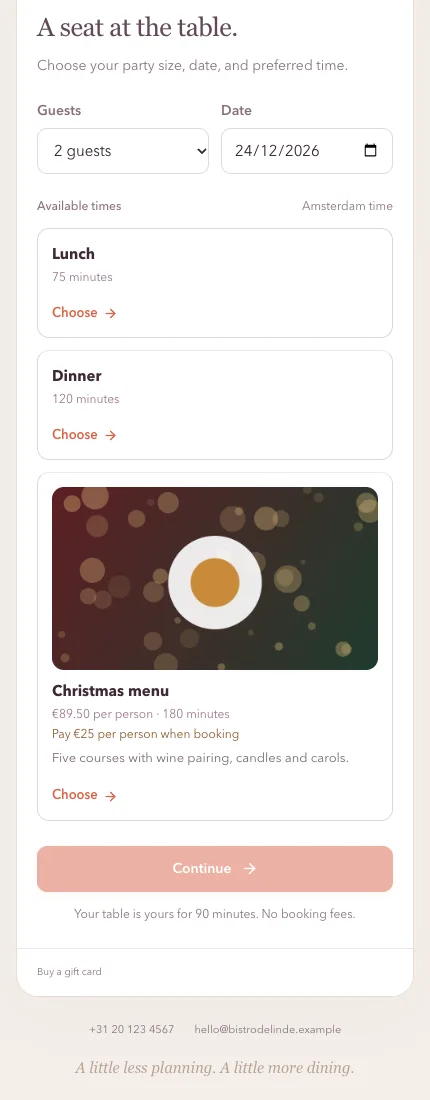
Every restaurant gets its own booking page, and there are three ways to put booking on your website. Guests always see live availability, and bookings appear in Today straight away.
Choose how
- Booking link: your own page, for your website, Instagram bio, emails or a QR code on the table.
- Floating button: a “Book a table” button on every page of your site, which opens the booking form over your page. Paste one line of code.
- Inline widget: the full booking form inside one of your pages.
- WordPress: install our plugin, enter your booking address, and the button appears. Use the “Tafels reservation” block for the form in a page.
Where to find it
Settings → Online booking has the code for each option, ready to copy. Your booking address (the part after /book/) can be changed under Settings → Restaurant.
Want a pause? Switch off “Accept online reservations” under Settings → Tables & rules. Guests then see your phone number instead.