RUNNING SERVICE
Closed days and special opening hours
Close for a holiday or private event, or open with different hours on one day.
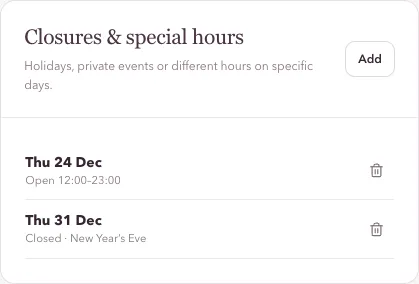
Holidays, a private party, a shorter day before Christmas: add them once and online booking follows automatically.
- Go to Settings → Tables & rules and choose Add under “Closures & special hours”.
- Choose a date or a date range.
- Pick “Closed”, or “Special hours” with the times you are open that day.
- Add a short note, such as “Private event”. Guests see it when they pick that day.
- On a closed day, no ticket can be booked online.
- Special hours narrow every ticket: a sitting must start and end within them.
- Existing bookings are never cancelled automatically. Contact those guests yourself.